Registration
User Registration
To register an admin account please visit your newsletter systems admin login page located at /admin/login
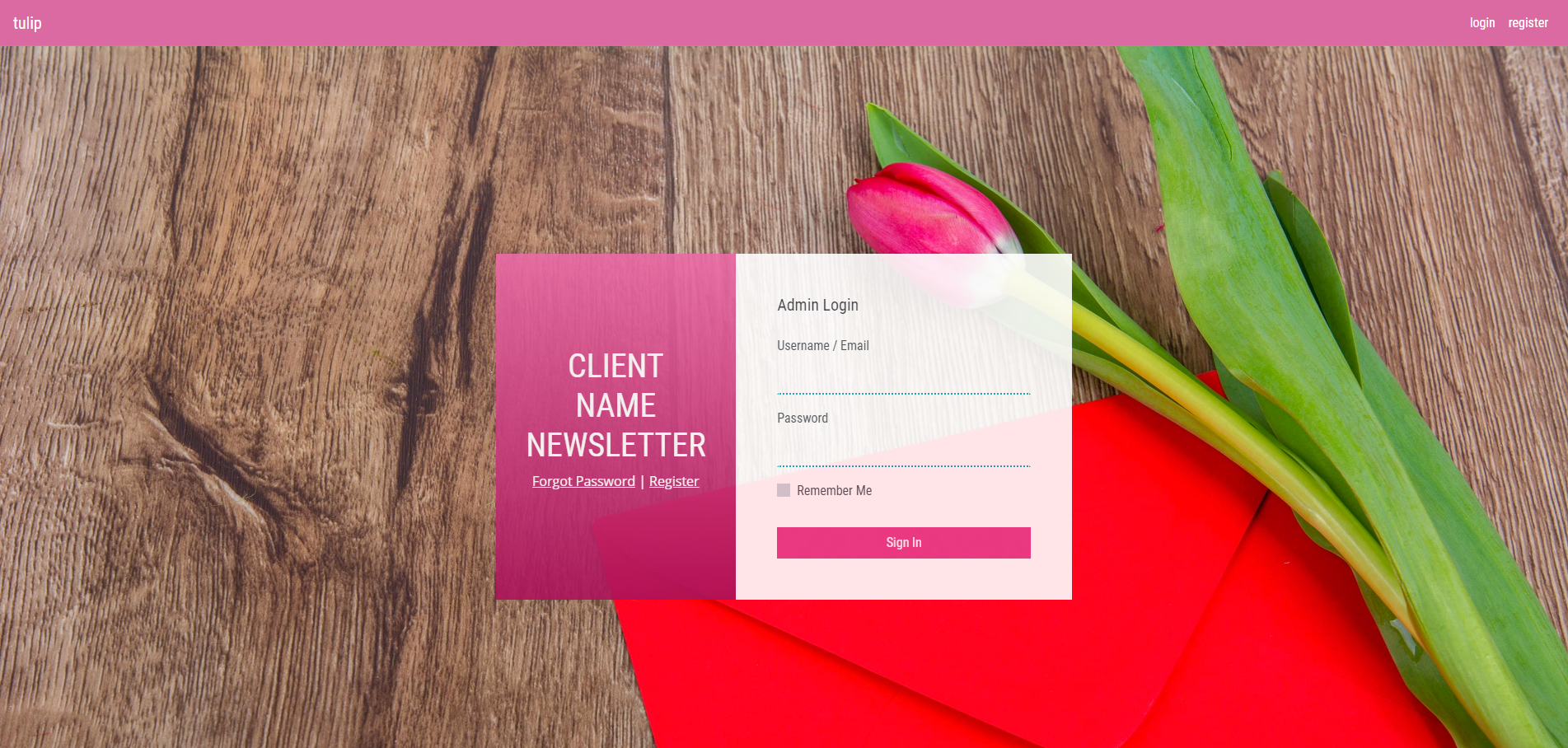
Here you will see a pink header containing three links; the first to ‘Tulip’ the frontend of the site which contains links to this User guide, an in-depth ‘Developer Guide’ for the system and the link to view this project on GitHub. The second link is to ‘Login’ and the third ‘Register’.
The ‘Register’ link will direct you to the registration page where you can add your details, create a password and register your new account.
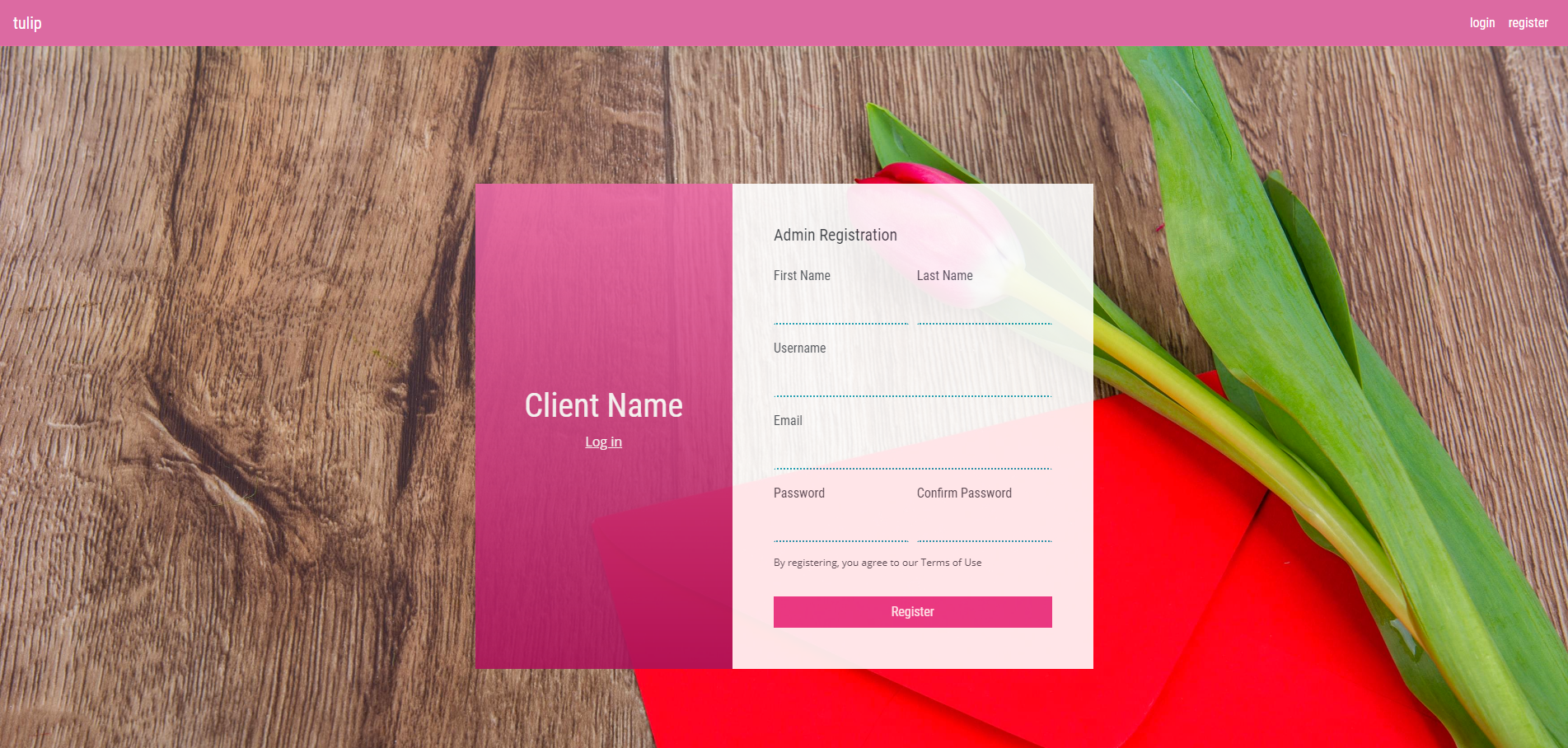
Registering an account will create an inactive user.
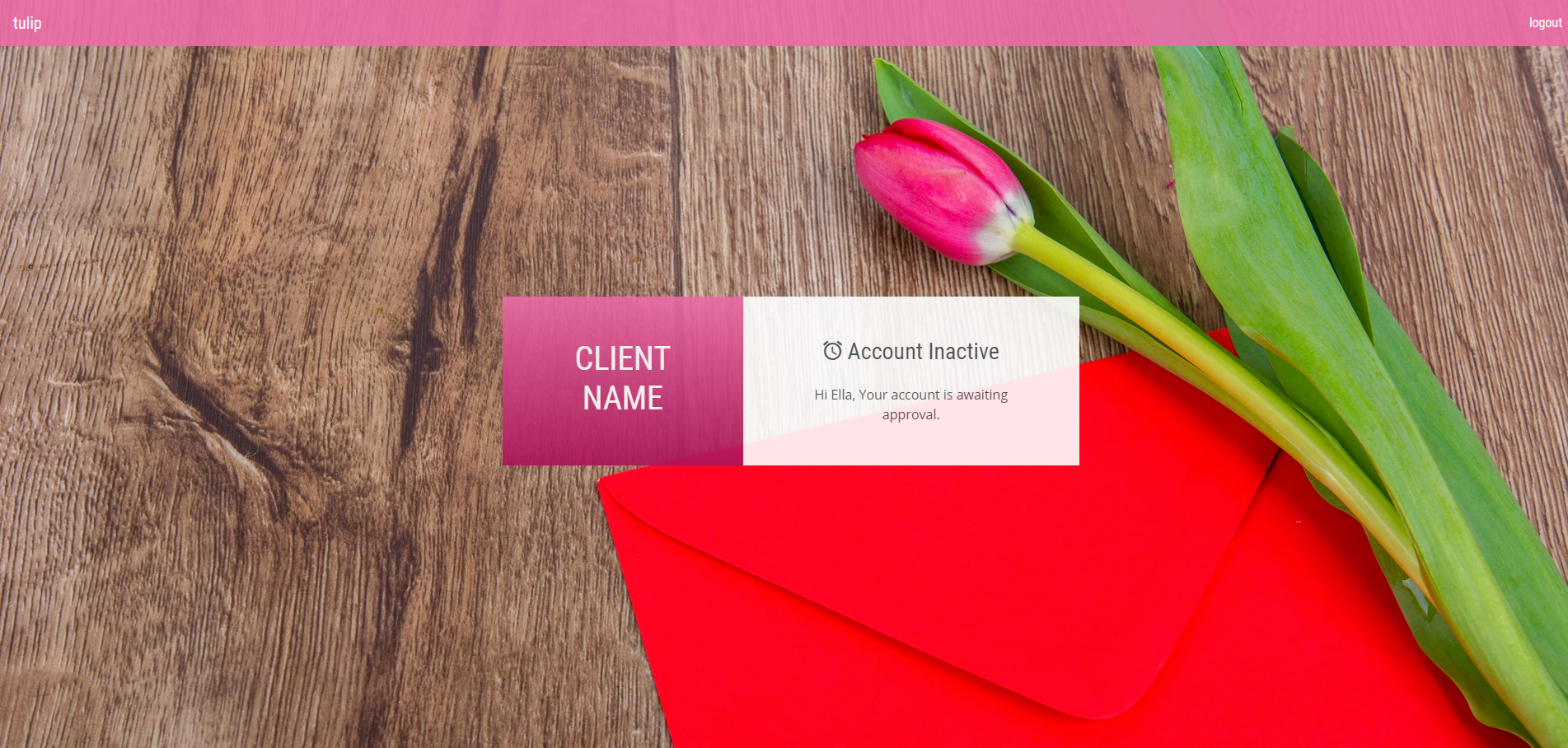
This means when trying to login your account will be described as inactive.
To activate your account, enable login and ensure you are provided with the correct user privileges, inform your system administrator that your account requires activation.
Once this has been done you will be able to login.
Activating Users
If you are a system super-admin wishing to activate an account, please see the documentation on Activating New Users.