Login Activities
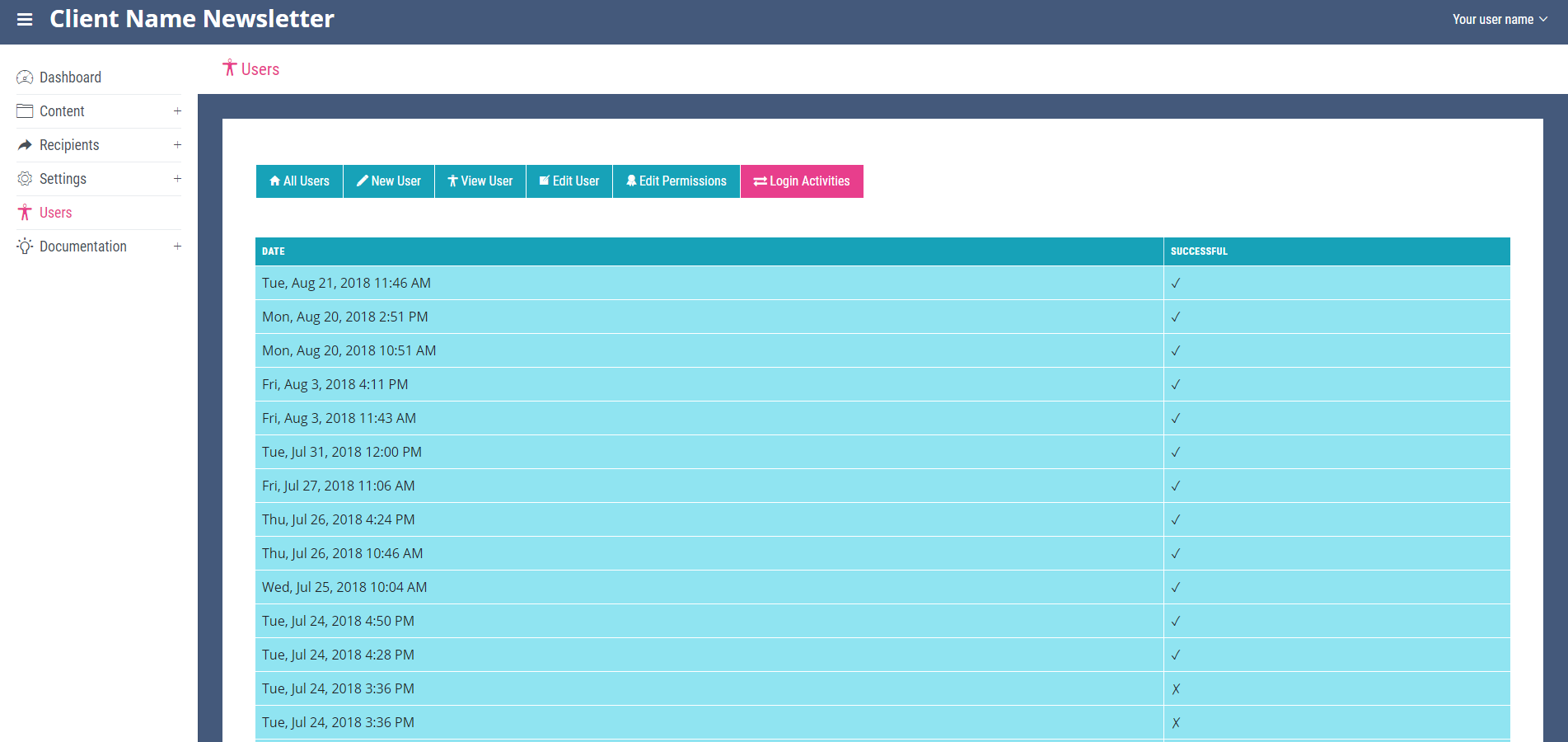
To view your own or another user’s login activity, navigate to the ‘All Users’ page. Locate the user you wish to view and click the small person icon at the end of its row. This will open the ‘View User’ page for the selected user. At the top of this page you will see the ‘Login Activities’ link. On the ‘Login Activities’ page the dates of pervious logins for that user can be seen. A tick in the column marked successful indicates the user successfully logged in, a cross indicates a failed login attempt.