Edit Mailing Lists
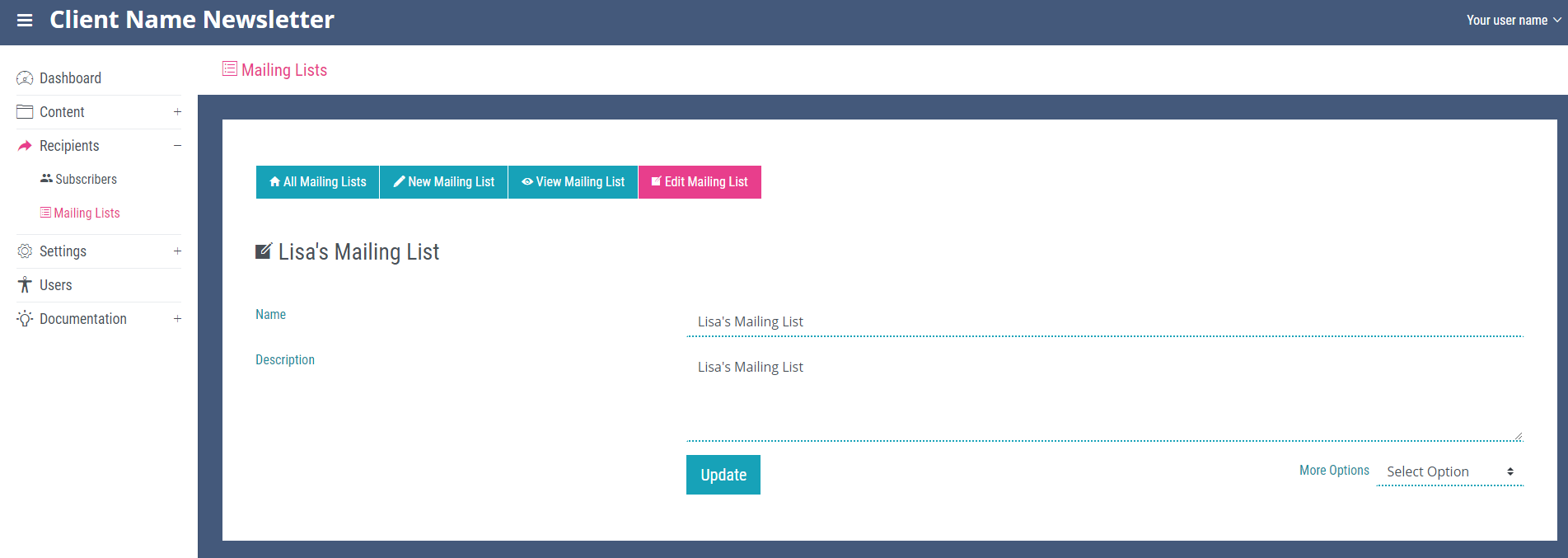
To edit a mailing list, navigate to the ‘All Mailing Lists’ page. Locate the mailing list you wish to edit and click the small eye icon at the end of its row. This will open the ‘View Mailing List’ page for the selected mailing list. At the top of this page you will see the ‘Edit Mailing List’ link. On the ‘Edit Mailing List’ page the name and description for the list can be edited. The ‘More Options’ dropdown at the bottom of the page can be used to delete the list if needed. Once you are happy with the changes click the update button at the bottom of the page.