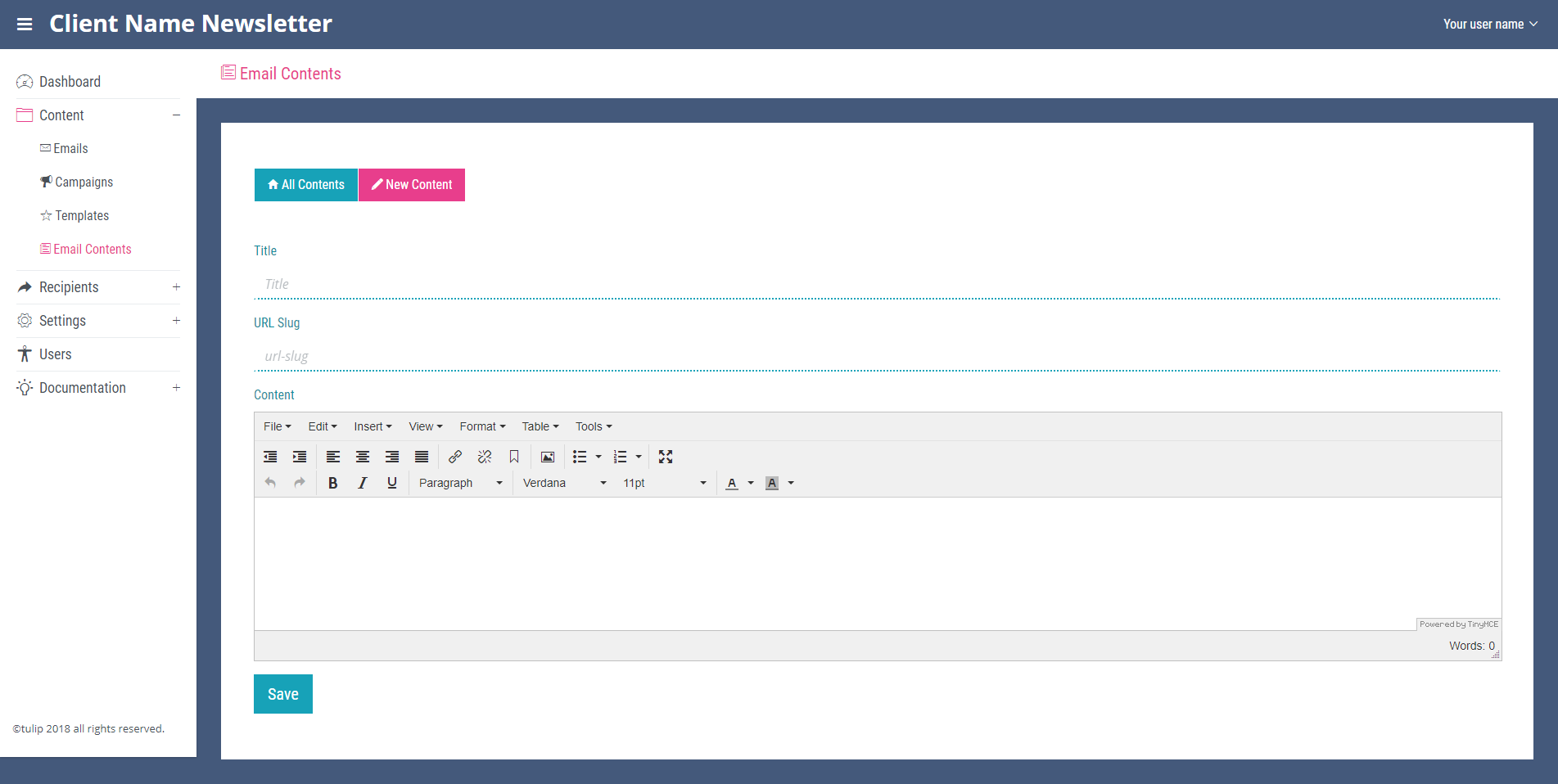
New Email Contents
To add new content, click the ‘New Content’ link on any page within the ‘Email Content’ section. Add a title for the content which will also automatically populate the URL slug field (both required fields). The next required field is the content field. This uses the TinyMCE text editor which is similar to other text editors like Microsoft word. For information on how to use the editor please see the Using the TinyMCE text editor for contents chapter. When you are happy with the email content click save at the bottom of the page. Note you will now see the content displayed on the ‘All Contents’ page.