Additional Functionalities
Email Statistics
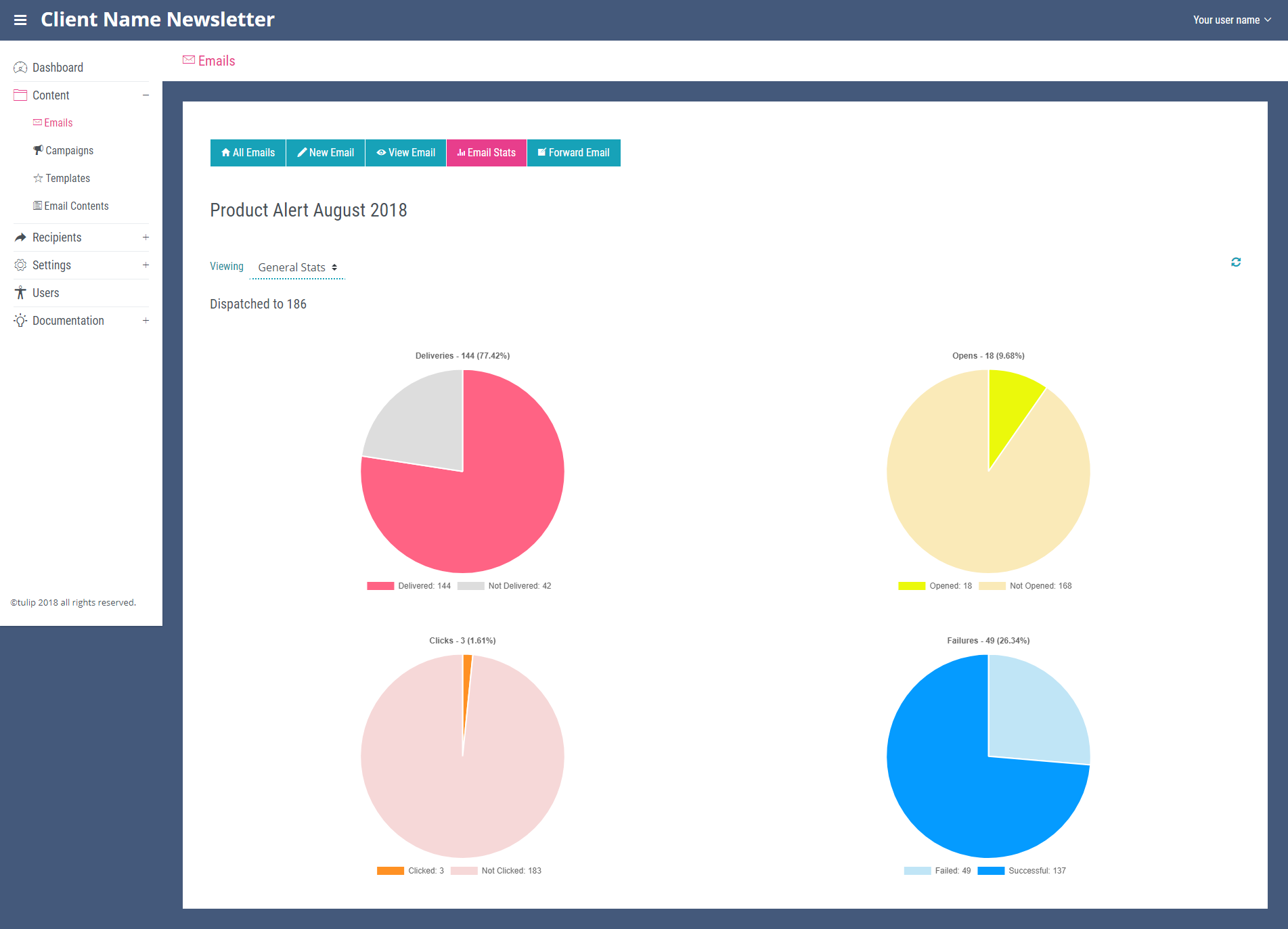
Email stats for each email can be see by navigating to the ‘All Emails’ page and clicking the bar chart icon at the end of its row. This will open the email stats page which contains four pie charts showing deliveries, opens, clicks and failures. The ‘Viewing’ dropdown at the top of the page below the title of the email you are viewing allows you to view each of these stats in more detail. It gives you the option to view general stats (the main page of the email stats section), open stats, click stats and failure stats.
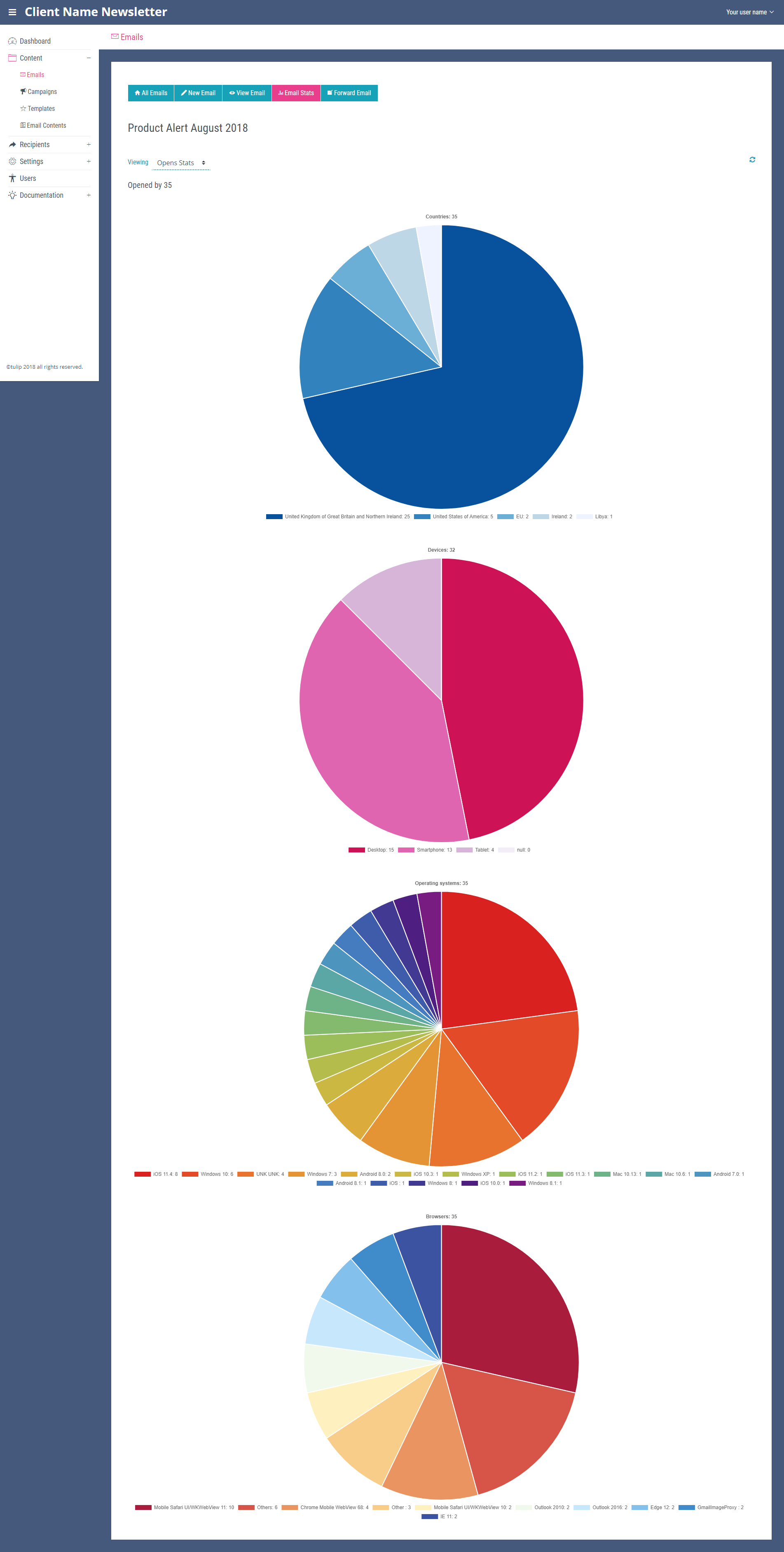
The open stats page will show four bar charts displaying the countries the email was opened in, all types of devices the email was opened on, all operating systems used, and all the types of browser used.
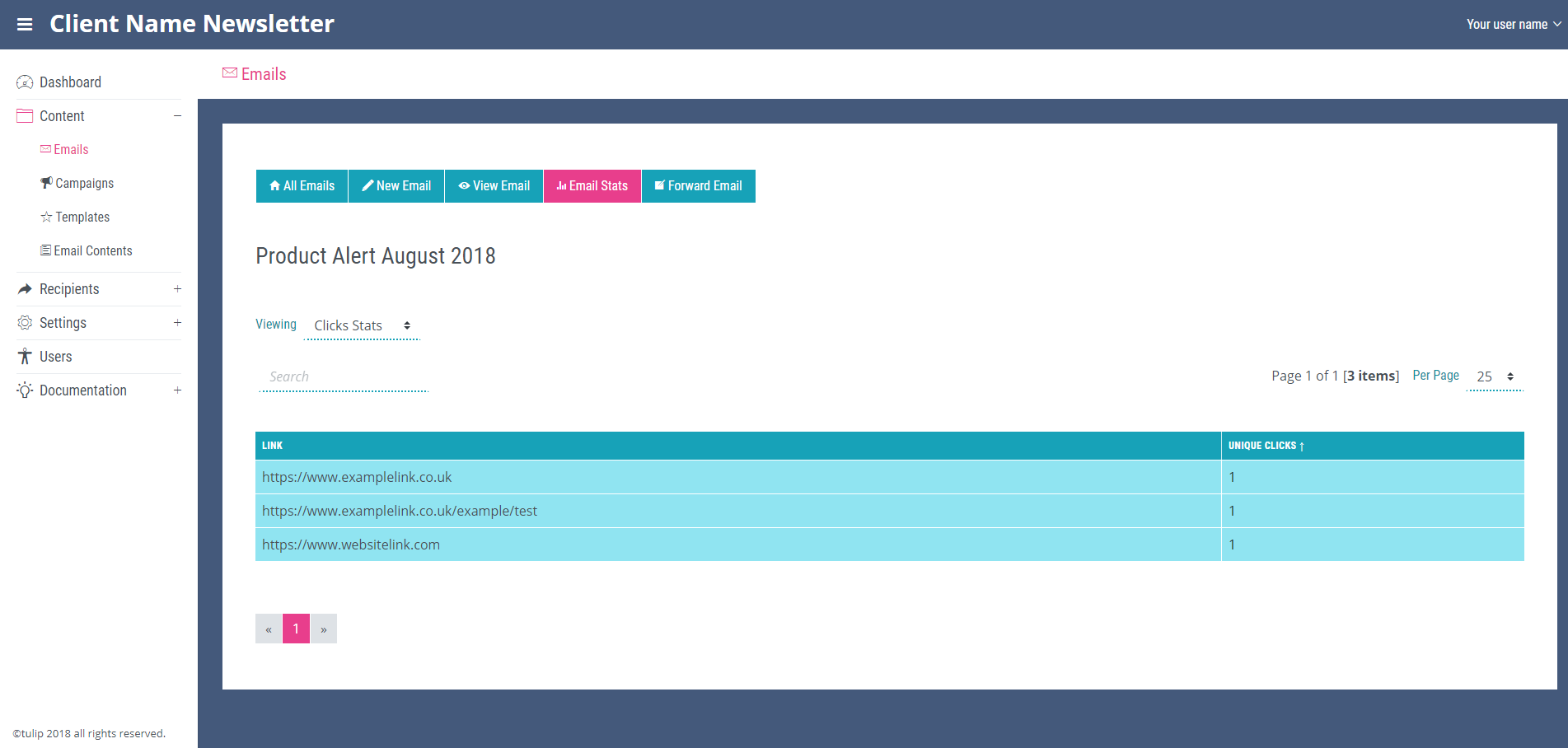
The click stats page will display the links within the email that have been click upon by users and show for each link how many unique clicks it has had. This page contains a search bar to ensure links can be found quickly.
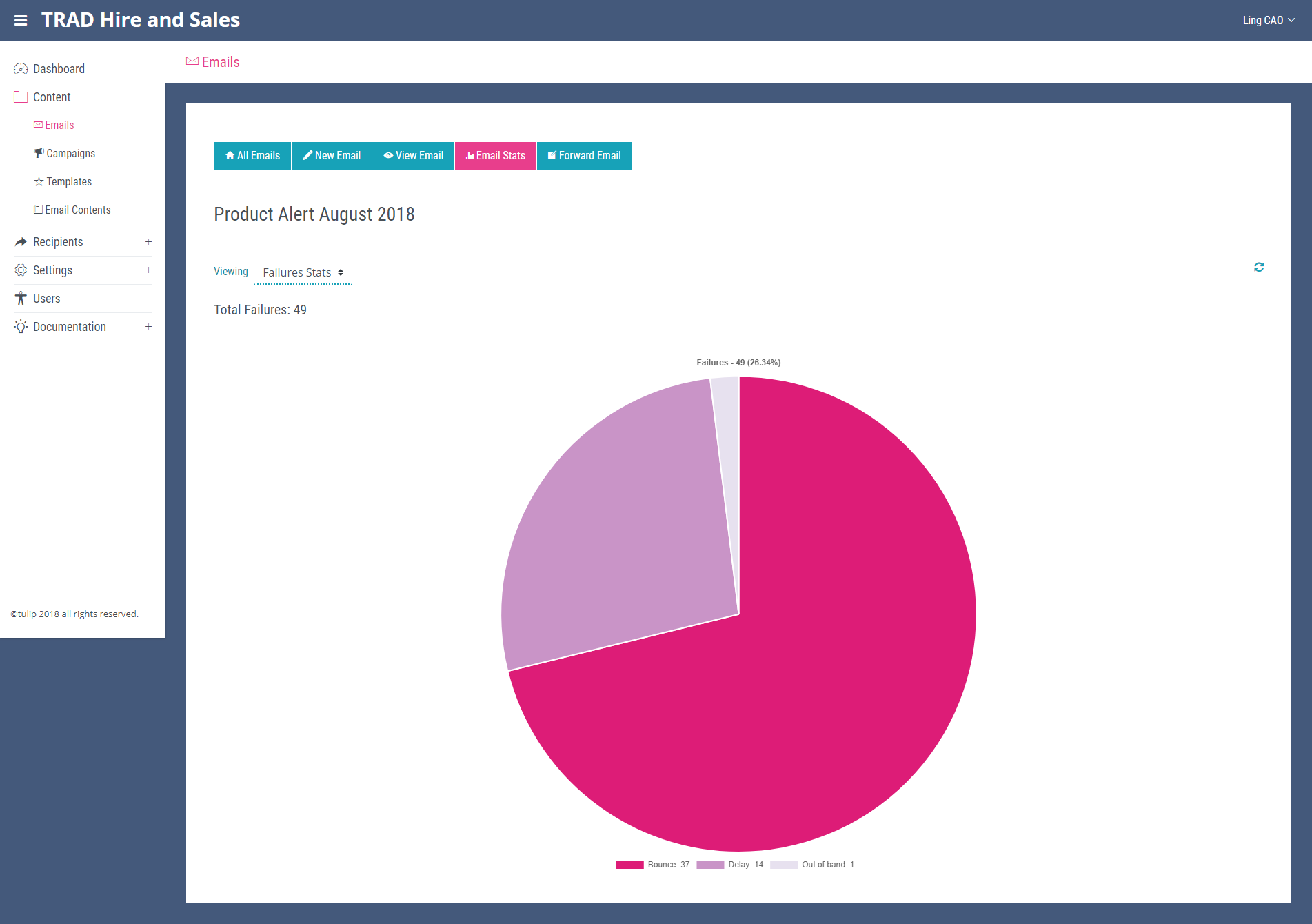
The failure stats page shows one pie chart showing the number of different types of email failure. For more details about email failures and if subscribers will be added to your suppression list please see the SparkPost Integration chapter.