New Users
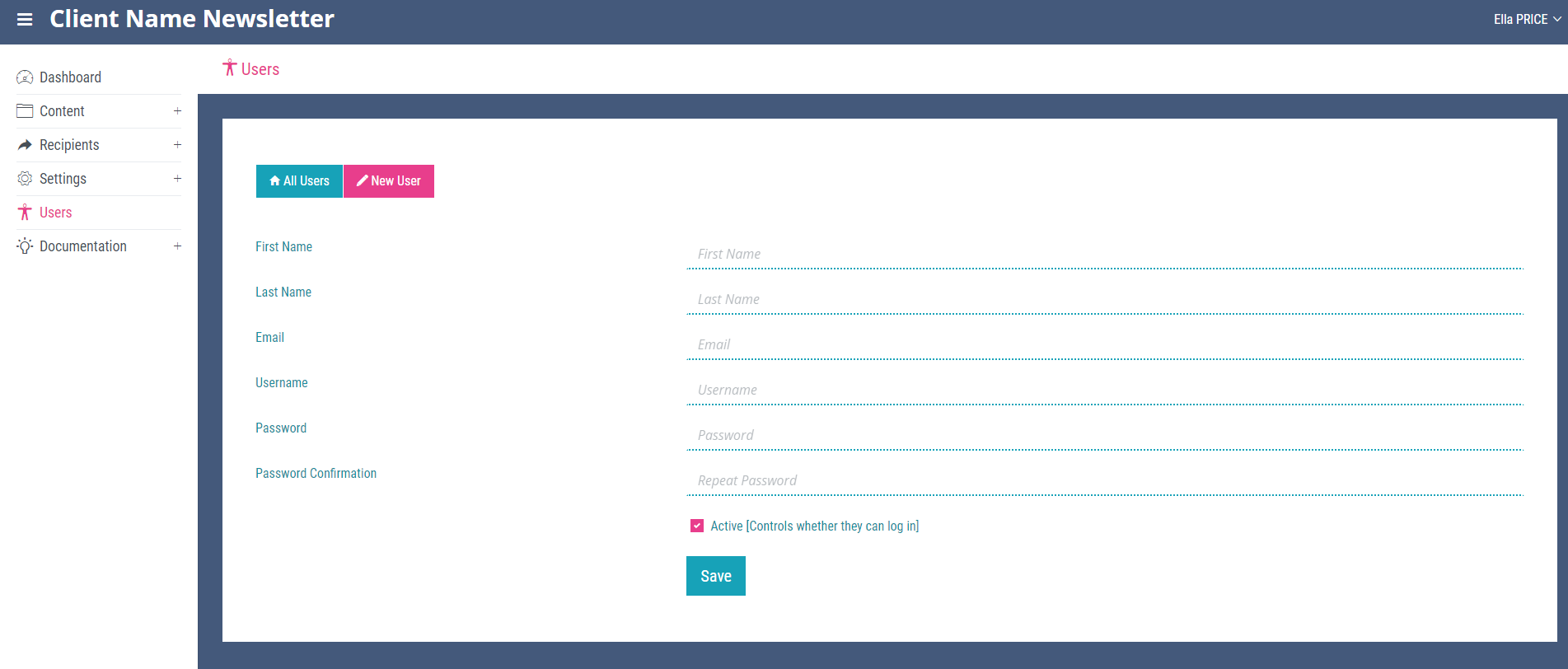
To add a new user, click the ‘New User’ link on any page within the ‘Users’ section. Add the name, username, email and password (all required fields) for the user and ensure the active checkbox is ticked to allow the user to login, then click save. Note You will now see the user displayed on the ‘All Users’ page. Users can also be added to the system by registering themselves. For more information on this please see the Registration chapter.