All Users
Contents of the All Users Page
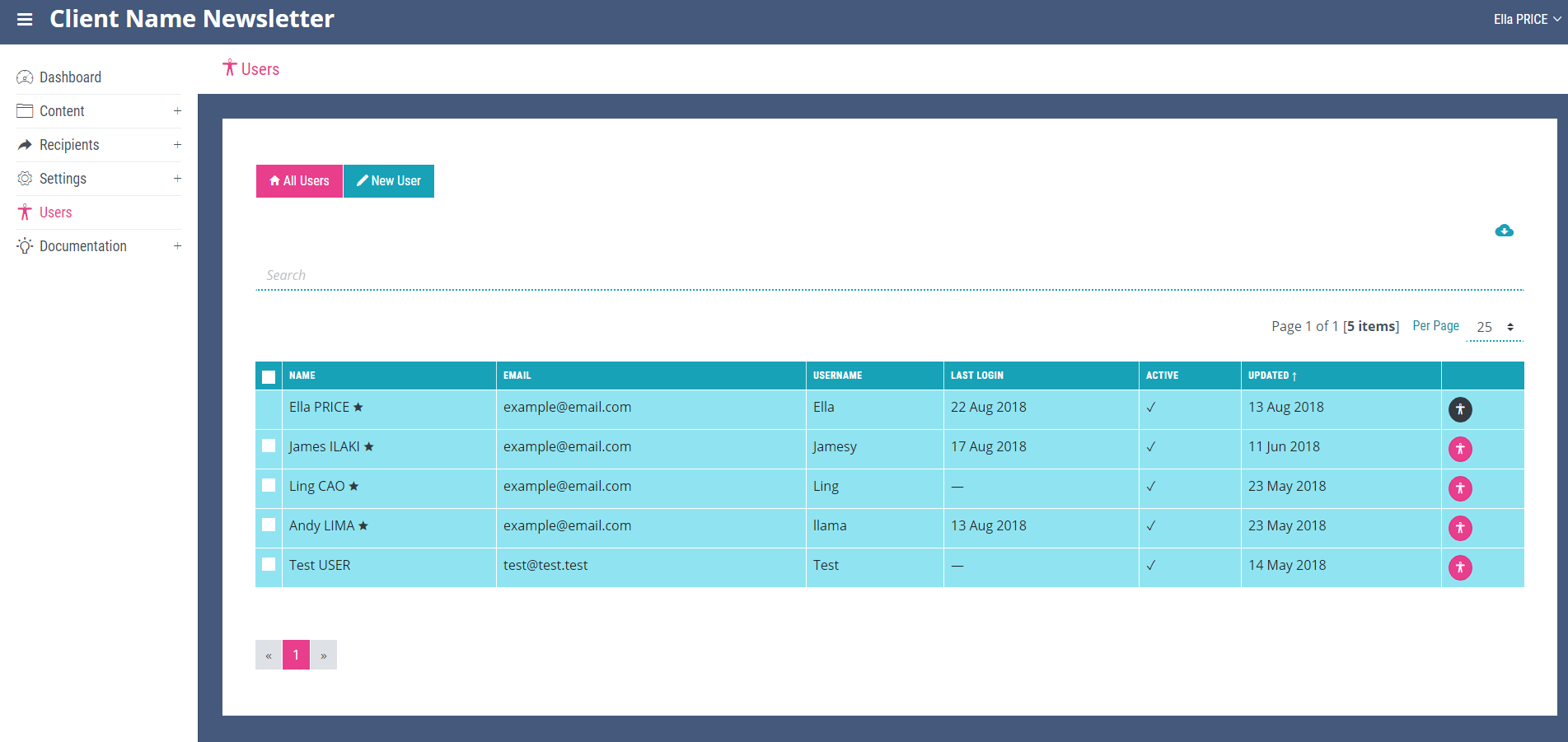
The ‘All Users’ page is the main page of the ‘Users’ section and displays all users in a table containing the name of the user, email, last login date, whether the account has been activated or not, the date the user was last updated and the person icon which is the link to the ‘View User’ details page.
The View User Page
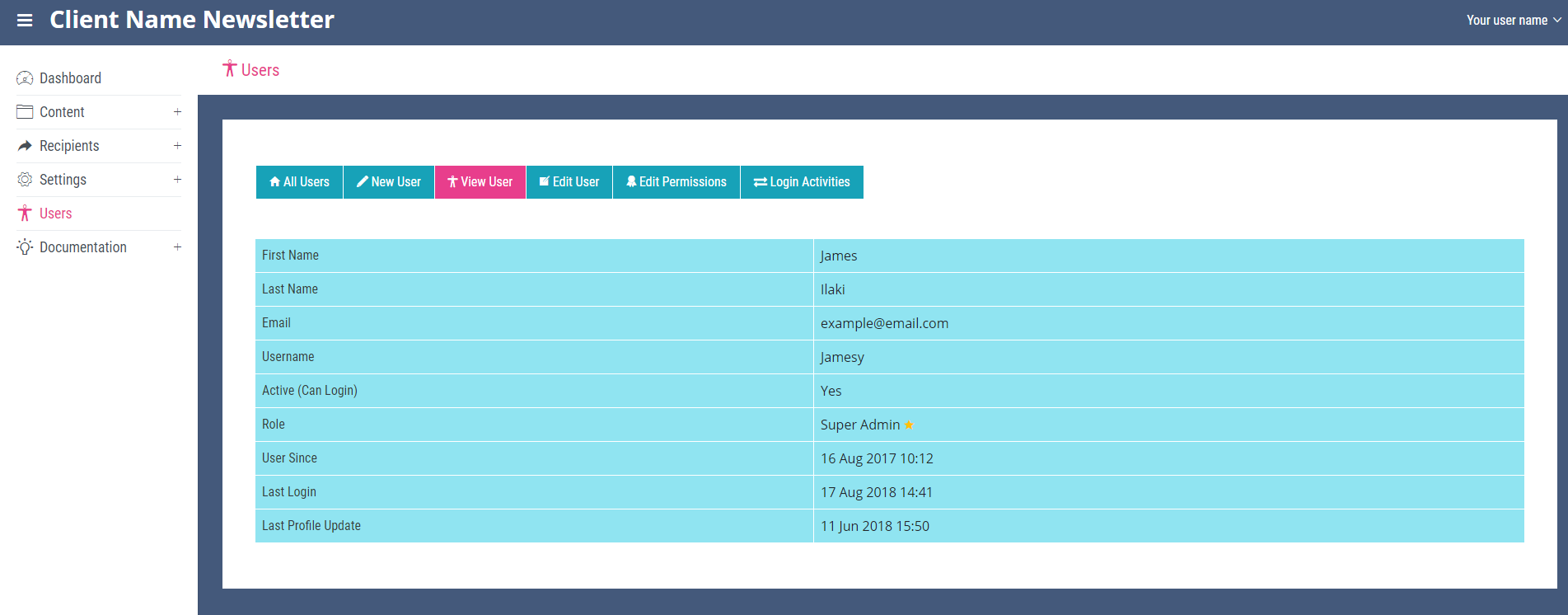
More details about the user can be seen on this page which also contains the link to the ‘Edit User’, ‘Edit Permissions’ and ‘Login Activities’ pages. All pages within the ‘Users’ section contain a link to create new users.
Exporting the Contents of the Page
Clicking the small cloud icon located in the top right-hand corner of the ‘All Users’ page will export all of the items on the page as an Excel spread sheet. The icon will open a file explorer window allowing you to rename and then save the exported file.
Searching All Users
The search bar at the top of the page can be used to search the users stored in the system. Enter a search term and click enter to find a specific user.
View
The number of items displayed on each page can be altered with the per page drop down located on the right of the page next to the page number and total number of results.