Profile
By clicking the account username in the top right-hand corner of the screen you will see the ‘Logout’ link and a link to the account ‘Profile’.

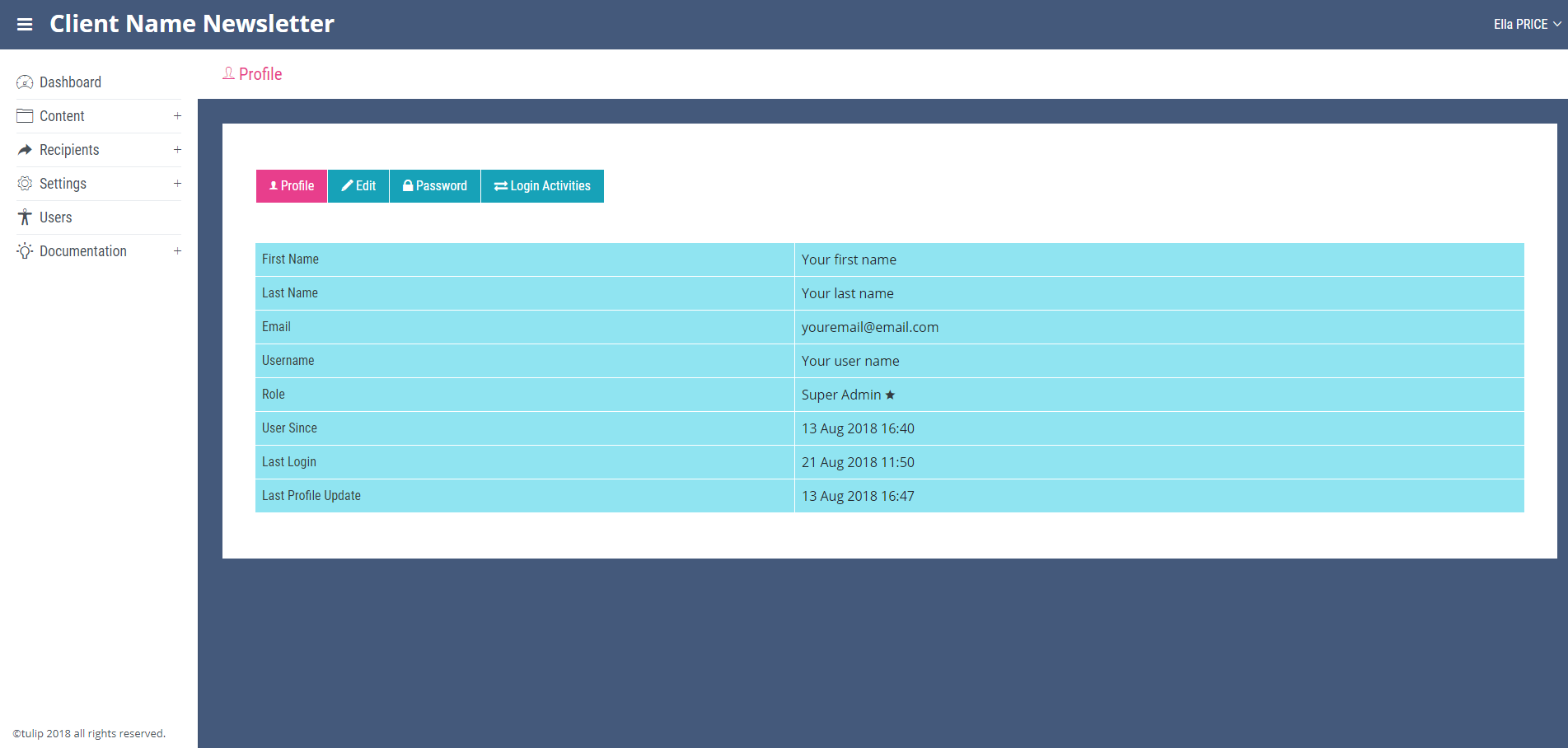
Opening this link will lead to the ‘Profile’ page which is the main page of the ‘Profile’ section.
On the ‘Profile’ page an overview of your profile can be seen. Along the top of this page are links to ‘Edit’, ‘Password’ and ‘Login Activities’ pages.
In the ‘Edit’ page users can edit their names, user names and email addresses.
From the ‘Password’ page the account password can be changed by entering the old password and then confirming a new one.
The login activity for the account can also be viewed in the ‘login activity’ page. This page will show the time and date of each login and whether it was successful or not.