New Email Settings
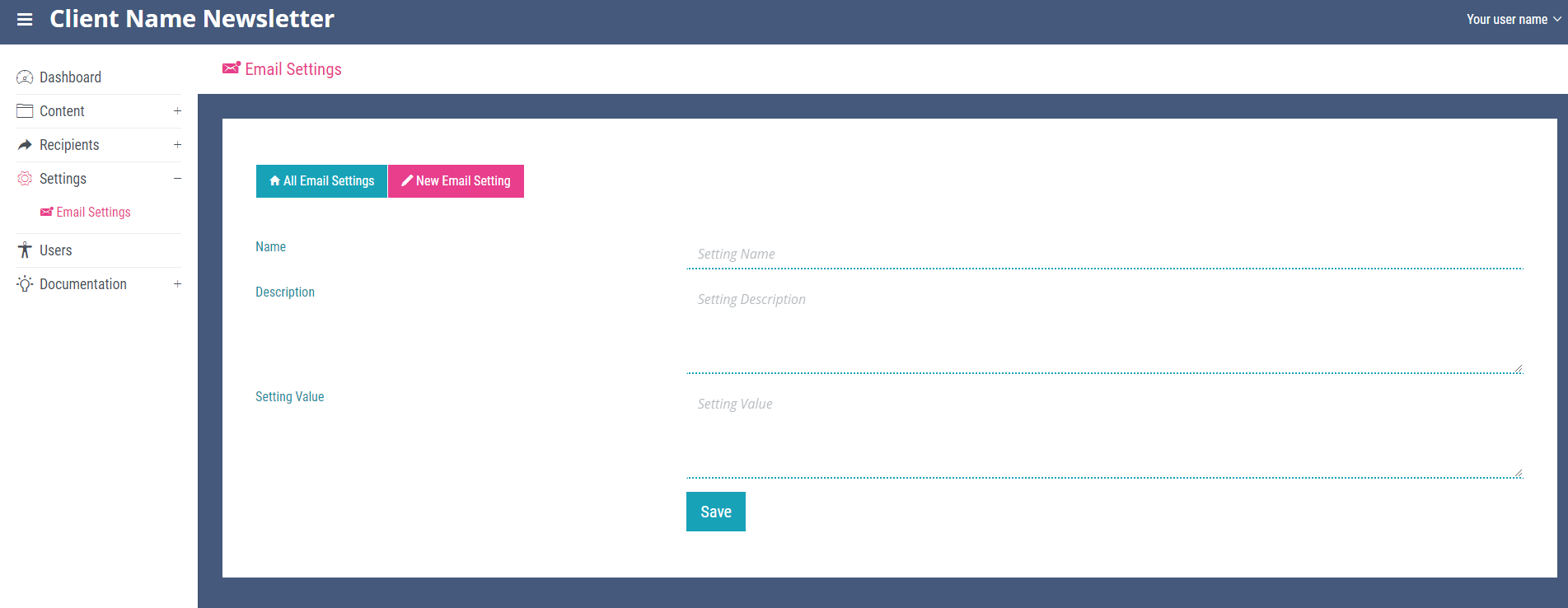
To add a new email setting, click the ‘New Email Settings’ link on any page within the ‘Settings’ section. Add a name, description and setting value for the new email setting (all required fields) and click save. Note you will now see the email setting displayed on the ‘All Email Settings’ page.